
Häufig gestellte Fragen
Як змінити розмір логотипу моєї компанії або фотографій, щоб вони правильно відображалися в моїх електронних листах?
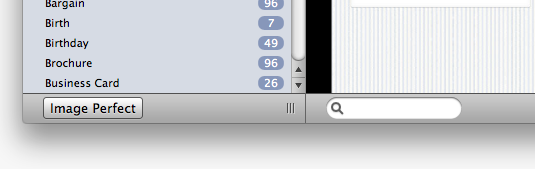
Stationery Pack includes a tool which allows you to resize your pictures so they fit perfectly into a email template drop zone.
Simply drag your logo, images or signature into the Resizer. This converts the image file into the appropriate format for the template.
To use Stationery Pack Resizer:
‣ Open Stationery Pack from your Program folder
‣ Click on "File" > "Image Perfect"
‣ Drag the image you want to convert into the Resizer
‣ Then select the perfect size for your placeholder in the Stationery Pack template